- Developer
- Michael Moessner
- Installs
- 10K+
- Downloads
- 0
- Views
- 1
- Updated
- Nov 7, 2026
Screenshots
About Tuner
Tuner: An Open-Source App That Explains the Science of Pitch
Editorial note: This is an independent informational overview based on the developer’s own description of the app. It is not an official app page and is not affiliated with, endorsed by, or operated by the developers of this application.
Author: [Your Name] | Last updated: [Date]
For most musicians, a tuner is a simple utility: you play a note, the screen turns green, and you move on. However, for instrument builders, microtonal composers, or audio engineers, basic tuners often fall short. They lack the precision, the historical temperaments, or the customizable scientific settings required for advanced work.
This open-source tuner application is designed to bridge that gap. Instead of hiding its calculations behind a simple interface, it exposes the complex signal processing—like Fast Fourier Transforms (FFT) and phase information—that makes accurate pitch detection possible. This overview examines how the app works, what advanced temperaments are, and why its scientific settings matter.
The Technology Behind the Detection
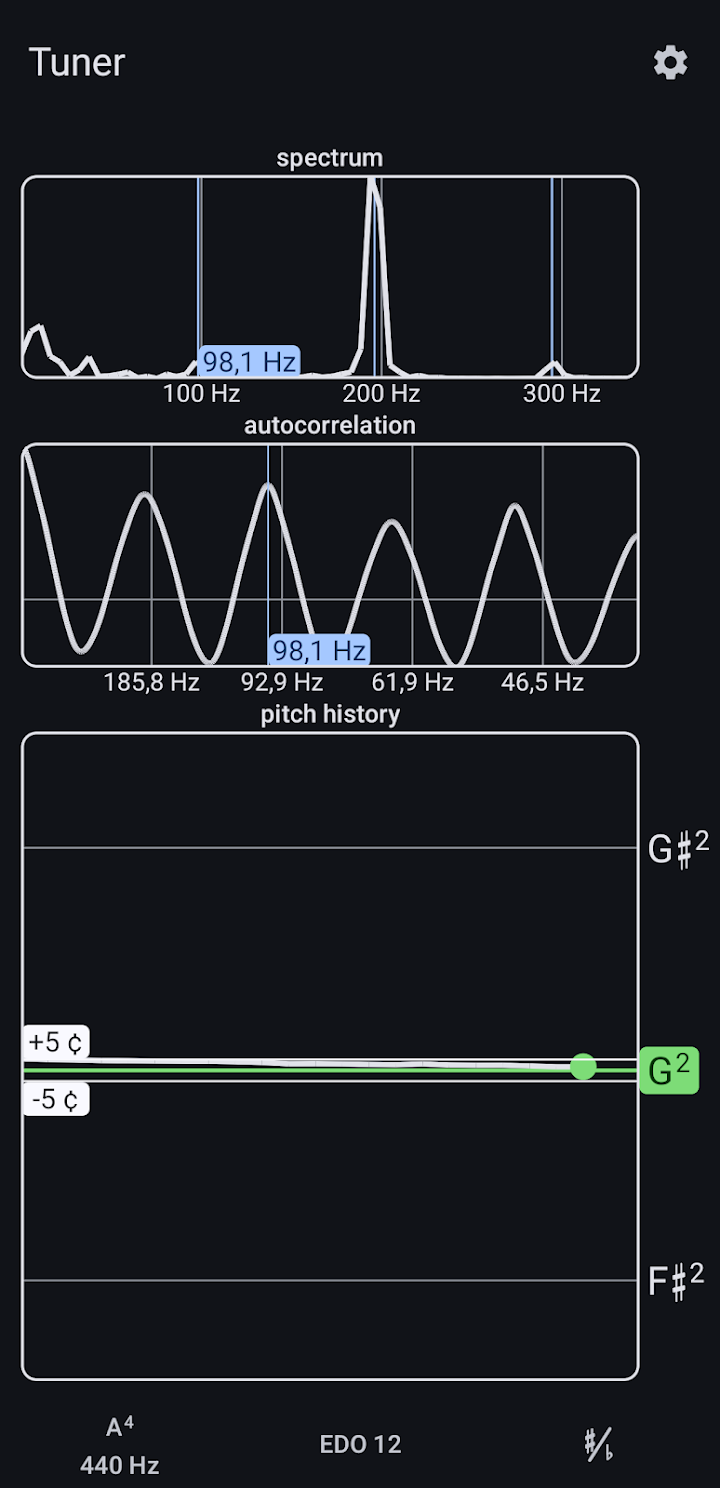
To accurately measure pitch, especially from an acoustic instrument with rich overtones, a tuner must process the raw audio signal. According to the developer, this app uses a combination of methods:
- Autocorrelation: A method used to find repeating patterns in a signal, which is highly effective for determining the fundamental frequency of a note (the pitch you actually hear).
- FFT Spectrum: Fast Fourier Transform converts the audio signal from the time domain (waveforms) into the frequency domain, allowing the tuner to see the individual harmonics and overtones of the instrument.
- Phase Information and Polynomial Fitting: This is where the app aims for extreme accuracy. By evaluating the phase of the spectrum and applying polynomial fitting, the tuner can refine the frequency estimate beyond the raw resolution of the FFT, providing a more precise reading.
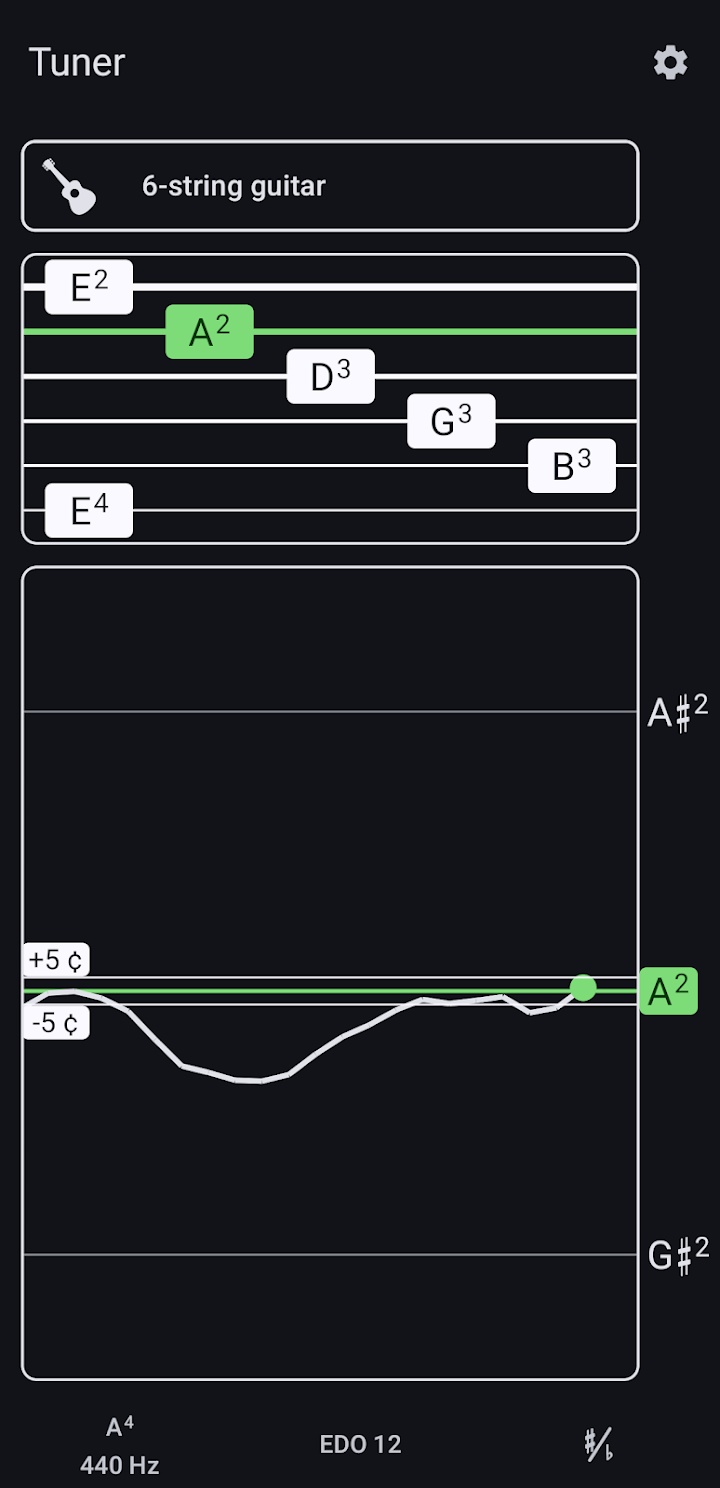
The app also includes a visual display showing how the pitch changes over time. This is useful for players who want to see the "attack" of a note—how a string bends slightly before settling, or how breath pressure affects a wind instrument.
Temperaments and Microtonality
Modern Western music relies almost entirely on 12-tone equal temperament (12-TET), where the octave is divided into 12 equally spaced semitones. This allows instruments like pianos to play in any key without sounding out of tune, though it is actually slightly mathematically "out of tune" with pure physics.
This tuner goes far beyond 12-TET. It supports several historical and mathematical temperaments:
- Just Intonation: Based on pure mathematical ratios found in nature. It sounds incredibly harmonious in one key but dissonant if the key changes.
- Historical Temperaments (Werckmeister, Kirnberger): These were used in the Baroque era. They were "well-tempered" rather than perfectly equal, allowing players to play in all keys while giving each key a slightly unique, distinct character.
- Non-12-Tone Temperaments (EDO 17, 19, 31, 41, 53): EDO stands for Equal Divisions of the Octave. A "31-EDO" tuner, for example, divides the octave into 31 equal steps rather than 12. This is essential for microtonal musicians exploring alternative scales.
Scientific Settings and Customization
Most tuning apps do not let you adjust how the audio is processed. This app includes a "scientific settings" menu, giving users control over the underlying algorithm:
- FFT Window Size: This changes the balance between frequency resolution (how accurately it detects the pitch) and time resolution (how quickly the screen updates).
- FFT Window Type: Different mathematical window functions (like Hann or Hamming) are used to reduce spectral leakage and make the readings more accurate depending on the instrument.
- Overlap: This controls how frequently the audio is analyzed, which can make the visual display smoother or more responsive.
For everyday tuning, the default settings will likely work perfectly. However, for analyzing a low bass note or a complex overtone-rich instrument, these settings allow you to fine-tune the app’s performance.
Instruments and Open-Source Development
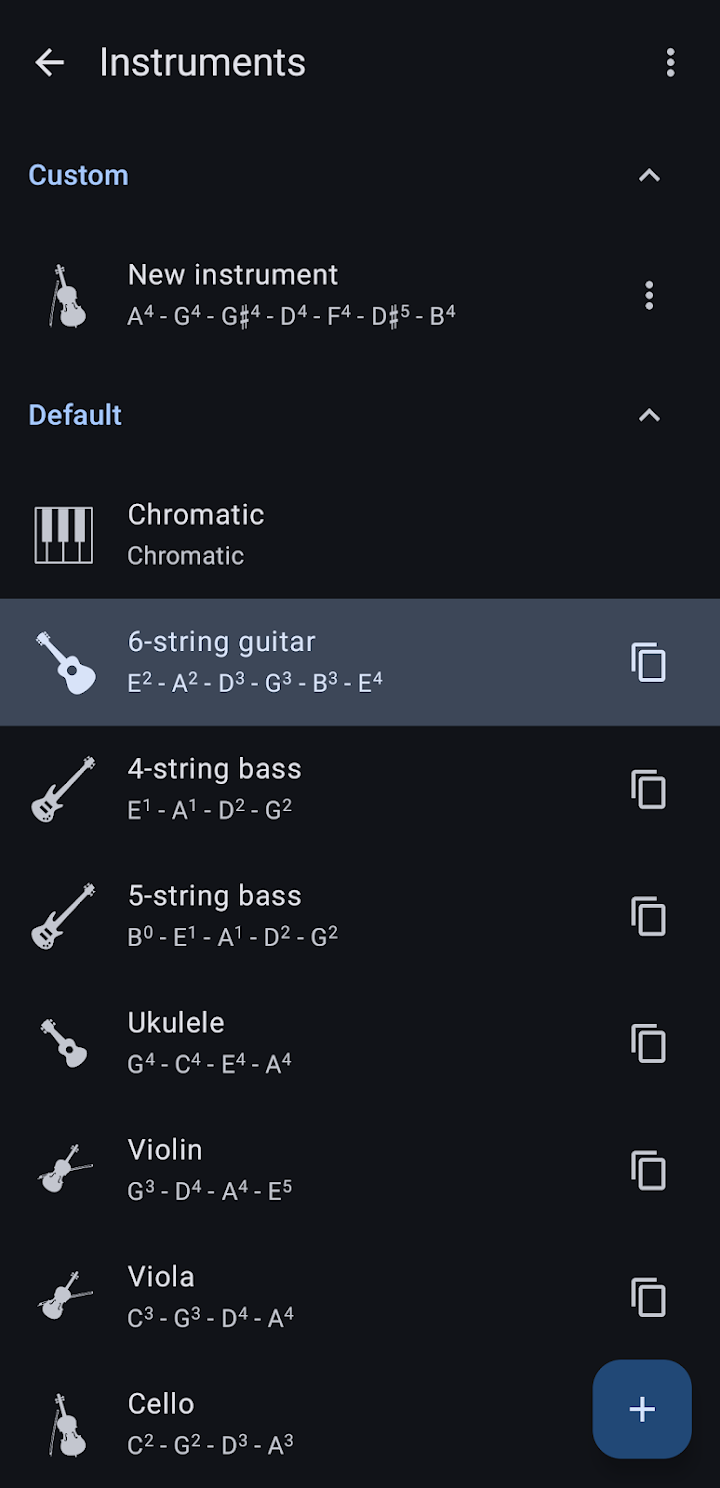
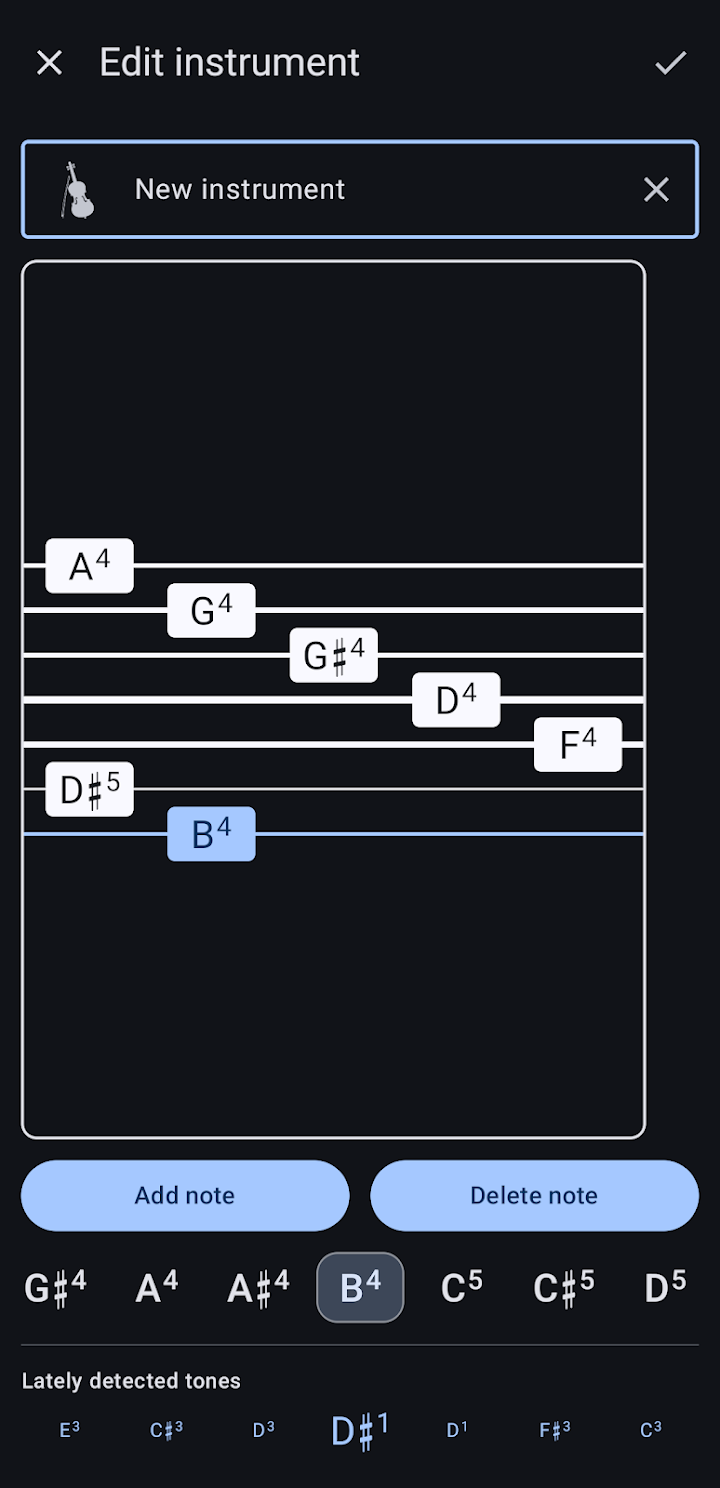
The app includes a basic database of instruments—chromatic, guitar, bass, violin, and others—as well as support for creating custom instruments. If you have an unusual instrument or a specific tuning you use regularly, you can likely program it into the app.
Furthermore, the app is completely open source. The developer provides a link to the source code repository and an issue tracker for bug reports. For users, this provides two major benefits:
- Transparency and Privacy: Because the code is public, users can verify that the app is not collecting unnecessary data or sending audio to external servers. Pitch detection happens locally on your device.
- No Monetization Traps: Open-source utility apps are rarely supported by intrusive ads or aggressive subscription models.
Practical Considerations Before Installing
- Microphone Quality: No matter how advanced the algorithm (FFT, autocorrelation, etc.) is, the accuracy is limited by your phone's microphone. Low-end microphones may struggle to pick up very low bass notes or the full harmonic spectrum.
- Background Noise: For precise tuning, you need a quiet environment. The algorithm relies on isolating the instrument's frequencies, which is difficult if there is a lot of background chatter or ambient hum.
- Complexity: If you just want a simple "green light/red light" tuner for a standard guitar, this app's extensive settings and temperament lists might feel overwhelming.
Who Might Enjoy It
This app is highly recommended for musicians who explore microtonal music, early music specialists using historical temperaments, and instrument makers who need highly precise pitch readouts. It is also a fascinating tool for anyone interested in the physics of sound and audio signal processing.
It is less suited to beginners who want a zero-configuration, simplistic tuner, or to musicians who need a basic tuning app without the extra mathematical complexity.
Frequently Asked Questions
What is a temperament in music?
A temperament is a tuning system that dictates the exact frequencies of musical notes. Modern music mostly uses 12-tone equal temperament, but this app supports historical and alternative systems.
What is EDO 17 or EDO 31?
EDO stands for Equal Divisions of the Octave. Instead of dividing the octave into 12 standard notes, these systems divide it into 17, 19, 31, or other numbers of equal steps, creating unusual microtonal scales.
Why does the app use FFT and Autocorrelation?
Autocorrelation is great at finding the main pitch of a note, while FFT looks at the entire frequency spectrum (harmonics). Combining them, along with phase information, yields a much more accurate reading.
Is the app free?
As an open-source application, it is generally free to download and use without ads. Check the official store listing for any specific details regarding the app's distribution.
Can I tune a non-standard instrument?
Yes, the app supports custom instruments, allowing you to set the specific string or note tuning required for your unique gear.
Does it work offline?
The app uses local processing for pitch detection, so it does not require an internet connection to function.
All app names and related trademarks belong to their respective owners. This independent overview is provided for informational purposes only and does not constitute a recommendation to install the application.