- Developer
- Airdata.com
- Installs
- 10K+
- Downloads
- 0
- Views
- 2
- Updated
- Nov 7, 2026
Screenshots
About HD Sync
HD Sync (Airdata): Understanding the Legacy DJI Flight Log Uploader
Important Update: The description for this application explicitly states that this version is outdated and has been replaced. A newer version of the Airdata app is available on the Google Play Store, and for devices without Google Play, a direct download is available on the official Airdata website. Users are strongly advised to seek out the newer application for continued support, security updates, and compatibility with modern DJI drones.
Before the modern ecosystem of automated cloud syncing, drone pilots had to manually manage their flight data. HD Sync was a utility application designed to solve a specific problem for drone operators: how to easily move flight logs from a mobile device to a desktop analysis platform without using a physical cable.
This overview examines what the legacy HD Sync app did, the service it connected to (Airdata, formerly HealthyDrones), and why managing flight logs is an important practice for drone safety.
What Was HD Sync?
When flying DJI drones, the controller and the connected phone or tablet generate detailed log files for every flight. These logs contain data on GPS location, altitude, battery performance, and motor health. To analyze this data, pilots often used a web service called Airdata (which was originally known as HealthyDrones).
HD Sync served as a bridge. Instead of requiring a user to plug their phone into a PC, locate the hidden log files, and manually upload them to the website, HD Sync automated the process. It extracted the DJI GO log files and uploaded them directly to the user’s Airdata account.
The Two Upload Modes
According to the original app description, HD Sync offered two distinct ways for pilots to manage their data:
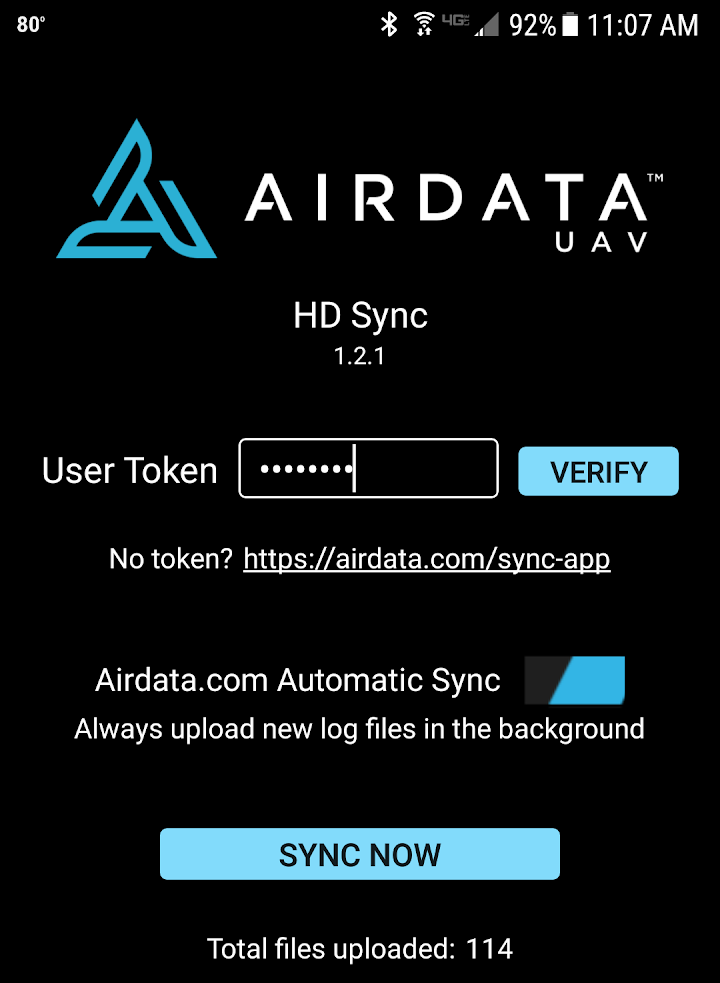
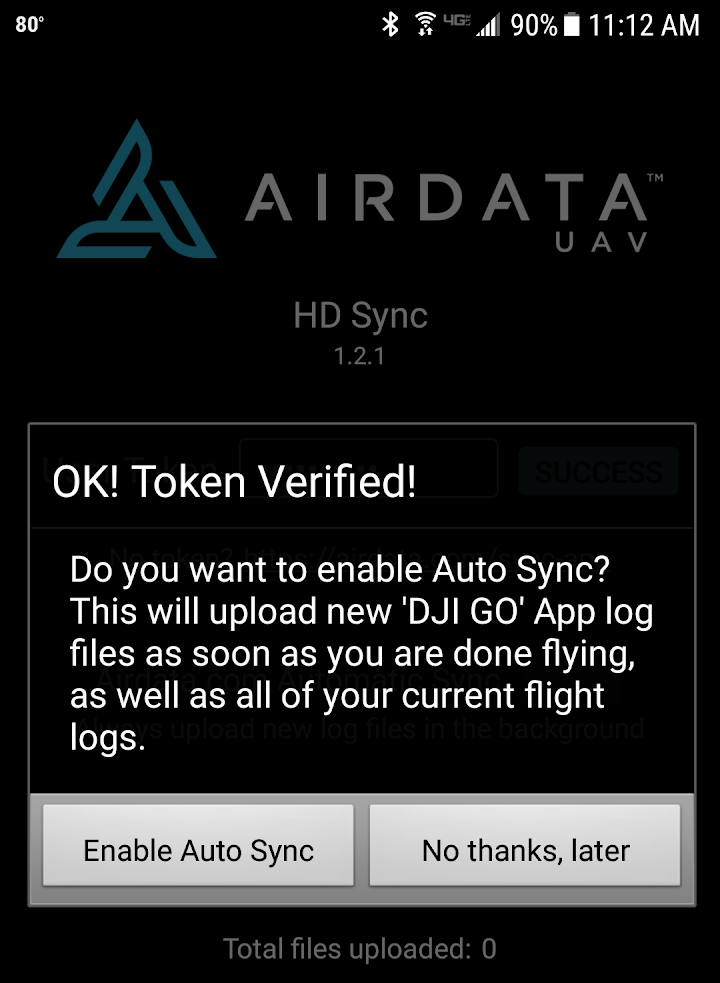
- Automatic Sync: This feature was designed for convenience. The app would automatically upload the log files as soon as the drone's motors were turned off after a flight. This meant the data would be waiting for the pilot on the Airdata website by the time they packed up their gear.
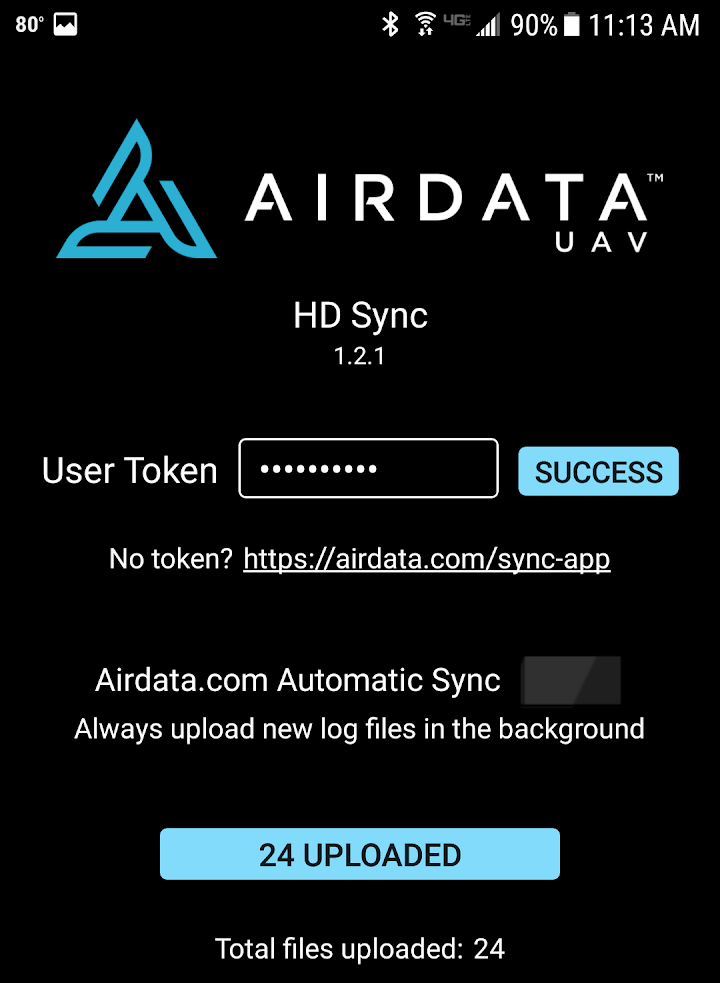
- Manual Sync: For pilots who preferred to control when data was sent (perhaps to conserve mobile data), there was a "Sync Now" button. Clicking this would trigger the app to synchronize all available log files on the device.
The Auto Upload Token and Privacy
To use HD Sync, users had to create an account on the Airdata website. Crucially, they needed to generate an "Auto Upload Token" within their account settings. This token was then entered into the app, acting as a secure password that allowed the app to send data to the correct user account without requiring a full login every time.
Privacy was a stated priority. The developer noted that all flights uploaded via the app remained private by default unless the user explicitly chose to share them. Furthermore, the app only handled the uploading process—to actually view the charts, health reports, and flight details, users had to visit the Airdata website directly on a browser.
Why Flight Log Analysis Matters
Using a service like Airdata to review logs is more than just a hobbyist activity; it is a safety practice. The service promotes the idea of looking at "under the hood" information to catch early signs of problems before a flight.
By analyzing the uploaded data, pilots can spot:
- Battery Degradation: Identifying cells that are draining faster than others or showing voltage drops under load.
- GPS and Compass Issues: Reviewing signal interference or compass errors that could lead to a flyaway.
- Motor Health: Checking for unusual RPM variations that might indicate a failing motor or damaged propeller.
Catching these issues early allows operators to perform maintenance before a failure results in a crash.
Why You Should Use the Newer Version
If you are currently searching for HD Sync, it is highly recommended that you instead download the newer Airdata app.
Mobile operating systems (both Android and iOS) change rapidly. Older apps often lose compatibility with newer OS versions, and changes to DJI's own software (like the transition from DJI GO to the DJI Fly app) can break older log-syncing methods. The newer app is built to handle current DJI hardware and modern mobile operating systems, ensuring your flight data is extracted securely and accurately.
Practical Considerations
- App Deprecation: Because the developer has explicitly marked this version as legacy, it may no longer receive bug fixes or security updates.
- Data Usage: Automatic syncing uses your mobile data or Wi-Fi to upload log files. If you fly frequently and use large log files, you may want to adjust the sync settings to only upload over Wi-Fi to avoid cellular data charges.
- Account Required: This app is useless without a registered account on the Airdata platform, as the app is only a transmitter of data, not the analyzer.
- Privacy Policies: Whenever you upload location and flight telemetry data to a third-party cloud service, you should review the provider's privacy policy to understand how your location data is stored and protected.
Frequently Asked Questions
What is HD Sync?
It was a legacy utility app used to upload DJI drone flight logs from a mobile device directly to the Airdata.com website.
Can I still use this version of the app?
The developer explicitly states that a newer version is available and provides links to the new app. Users are strongly advised to use the newer version for compatibility and security.
What is HealthyDrones?
HealthyDrones was the former name of the Airdata web service. The platform rebranded to Airdata, but the core function of analyzing drone flight logs remains the same.
Does the app analyze my drone's health?
No. The app only uploads the log files. You must log into the Airdata website on a computer or browser to view the detailed health analysis and flight charts.
Do I need an account?
Yes. You must create an account on Airdata.com and generate an "Auto Upload Token" in your settings to link the app to your account.
All app names, drone models, and related trademarks belong to their respective owners. This independent overview is provided for informational purposes only and does not constitute a recommendation to install the application.